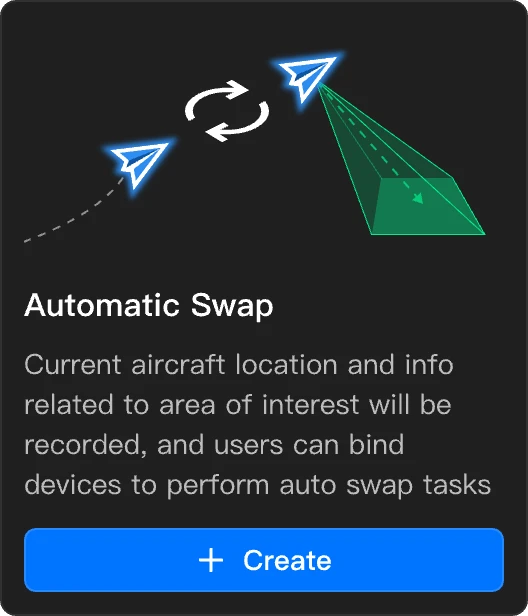
Automatic Swap
The automatic swap task supports uninterrupted observation of a specified subject by automatically scheduling aircraft from two docks.
- Only DJI Dock 3 supports the automatic swap feature.
Prerequisites and Checklist
The primary aircraft has successfully taken off, flown out of the safe takeoff/landing area, and is currently in the Manual Flight mode.
The primary aircraft is hovering, and the subject or area to be observed is confirmed.
Task Configuration Process
- Create an automatic swap task in the virtual cockpit.
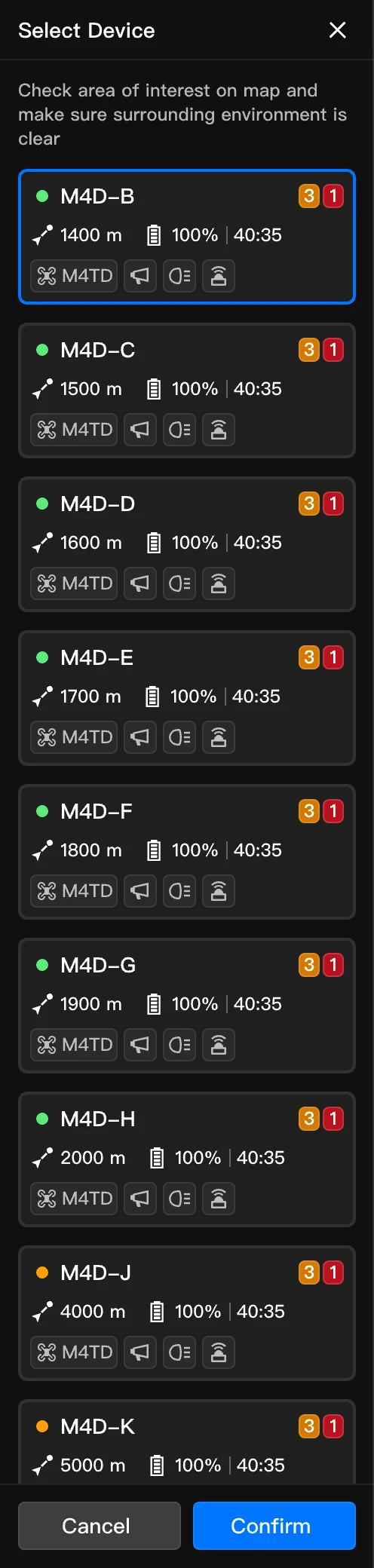
- In the recommended device list, select a reserve aircraft. Only docks within 5 km of the aerial task point can be selected.
- Set task parameters.
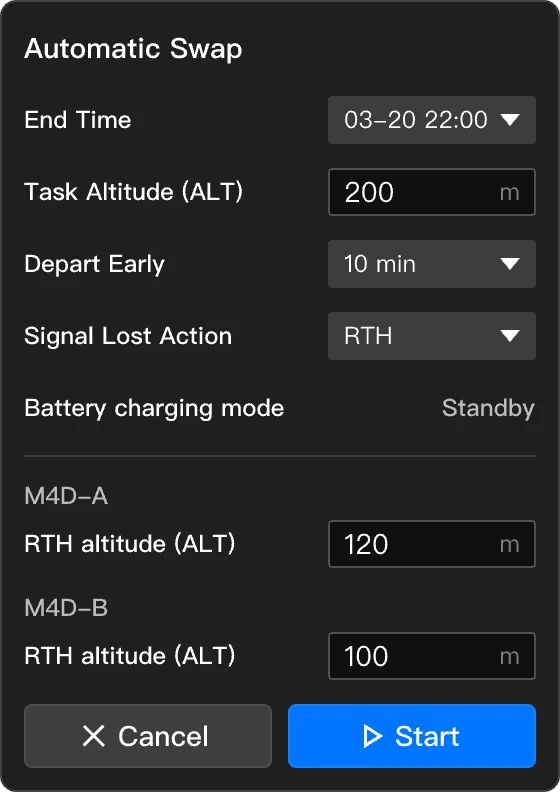
| Parameter | Range | Description |
| End Time | 1 to 12 hours after the task begins | Indicates the maximum duration of the task. Once the task deadline is reached, the task will automatically end. |
| Depart Early | 0 to 30 minutes | It is recommended to depart 10 minutes early. Adjust according to environmental complexity (e.g., wind speed, obstacles), and set an earlier departure time in complex scenes. |
| Battery Charging Mode | The system defaults to battery standby mode. | During the automatic swap task, the aircraft will automatically recharge to 90% battery to ensure efficient operation. |
Task Performance and Management
After the task starts, the system will automatically calculate two aerial aerial task points based on the location of the observed subject, primary aircraft, and reserve aircraft. During the automatic swap task, the aircraft will be automatically scheduled to reach the aerial task points in sequence to observe the area of interest.
- The aerial task point for the reserve aircraft will be defined within a radius of 50 meters from the primary aircraft. Make sure this area is relatively clear to guarantee the safety of the task.
- After completing the task, the reserve aircraft will orient itself toward the target location that the primary aircraft was facing when the task was created, and adjust its zoom level to match that of the primary aircraft.
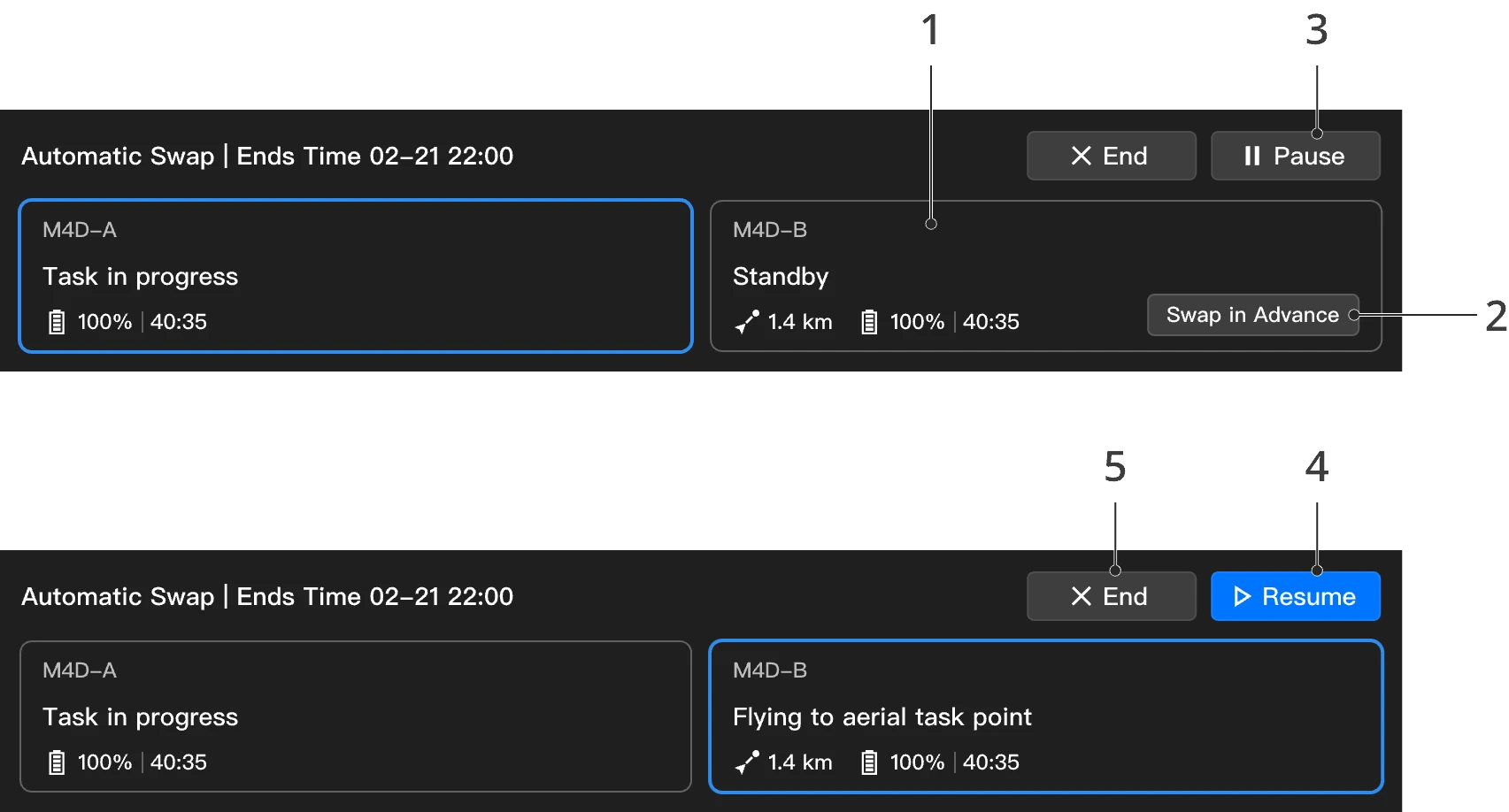
(1) Switch livestream device and payload control
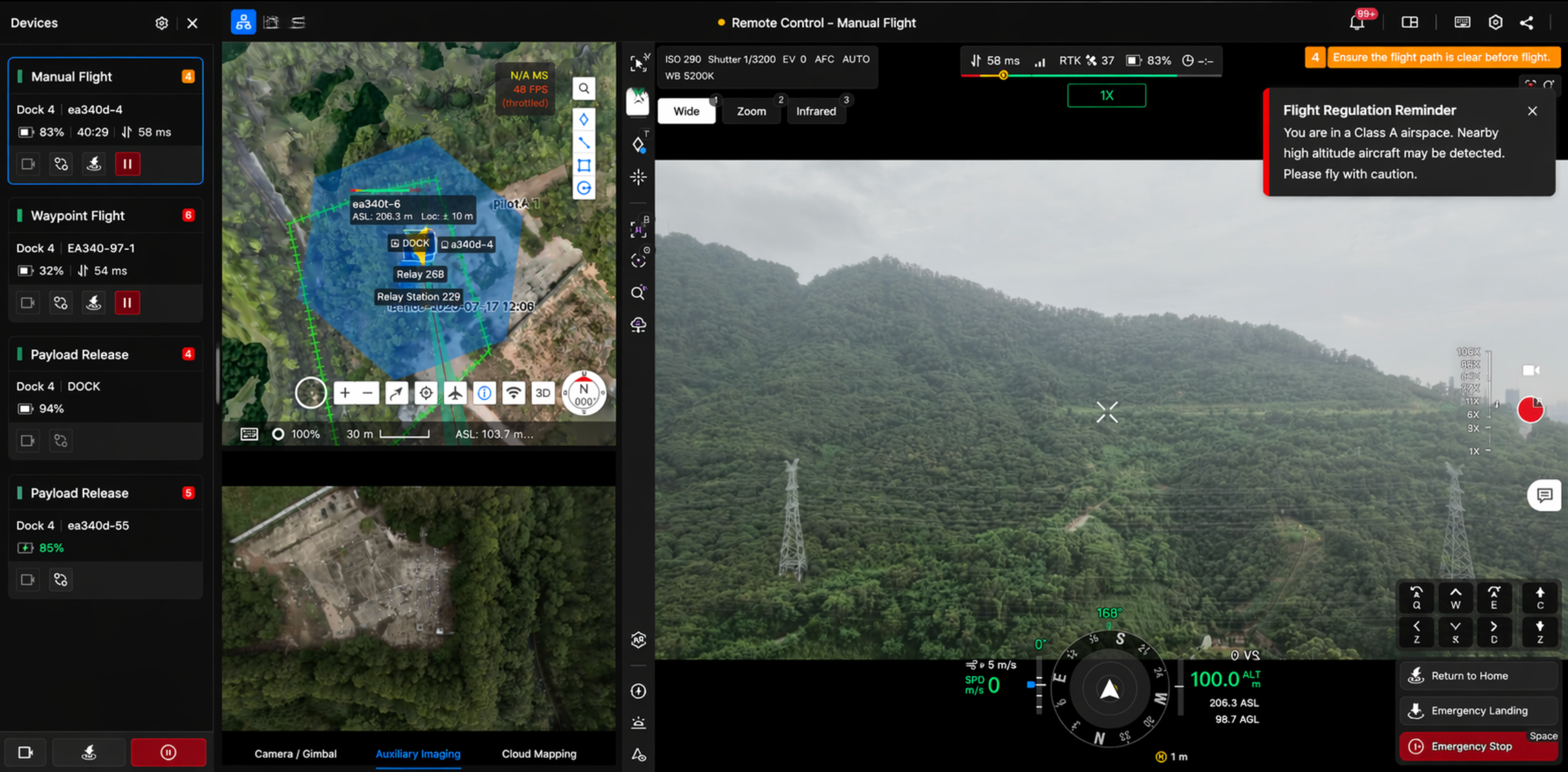
- After entering the virtual cockpit, the user will by default have flight and payload control of the primary aircraft.
- Click on the device card to view the video transmission of the reserve aircraft and perform corresponding operations.
- During the automatic swap task, only the gimbal can be manually controlled. Other operations need to be paused or performed after the task.
(2) Swap in Advance: Click Swap in Advance to allow the reserve aircraft to take off in advance, reach the aerial task point, and complete the device swap.
(3) Pause Task: Click Pause Task to freely control any aircraft (except during Return to Home (RTH) or landing process).
(4) Resume Task: When resuming a task, the system will resume the task based on the locations of the observed subject and aerial task point. If the primary aircraft moves during task suspension, the system will recalculate the aerial task point based on the new position of the primary aircraft before resuming the task.
(5) Complete Task: When the task is completed, the primary and reserve aircraft will operate independently of each other. If both aircraft are still performing tasks in the air, they will automatically return to home.
- During the swap process, if the reserve aircraft cannot reach the aerial task point due to reasons such as takeoff failure or insufficient battery, the automatic swap task will be paused.
Multi-Aircraft Relay (Fleet Scheduling)
In fleet scheduling scenarios, multiple docks' aircraft can start relay tasks simultaneously. The relay relationship of each aircraft is managed independently. You can view the status and progress of each relay task separately in the task management panel.