
Overview
The new DJI Enterprise app is a lightweight drone operations management platform that supports collaborative use with DJI FlightHub 2, helping industry users operate more efficiently.
With a mobile phone, users can complete the following operations anytime and anywhere:
- Supports remote viewing and control of drones and dock devices on mobile.
- Supports real-time synchronized sharing of personnel, devices, and annotation locations.
- Supports one-tap on-site dispatch to quickly send drones to target locations.
- Supports deployment and debugging of DJI Dock series devices, ground stations, and relay stations.
- The iOS version does not currently support device deployment and debugging.
- The "One-Tap Dispatch" feature is not supported in the Public Cloud Standard version.
Supported Systems
The DJI Enterprise app supports both Android and iOS.
Get the DJI Enterprise App
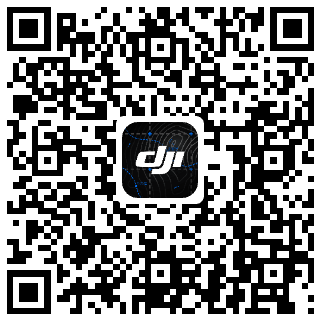
- Android Version: Requires Android 11.0 or later. Click to download the installation package, or scan the QR code below to download and install.
- iOS Version: Requires iOS 15.0 or later. Go to the App Store and search for "DJI Enterprise" to download and install, or scan the QR code below to download and install.
On-Premises Version Notes
When using the on-premises DJI Enterprise App, the mobile device must be able to access the on-premises service address. To connect through a carrier's dedicated 4G network, use a SIM card with the dedicated network service activated and configure the APN (Access Point Name) as required by the carrier.
For details, see the On-Premises DJI Enterprise App Network Configuration document in the on-premises deployment manual.