
DXF File Calibration
After importing the DXF file, you can choose to calibrate the file through precise calibration or matching point calibration.
Precise Calibration
Supports setting custom projected coordinate systems and general coordinate systems, same as the engineering coordinate system settings.
Matching Point Calibration
Method 1: If coordinate data is available, you can mark points on the map or directly enter the coordinates of matching points.
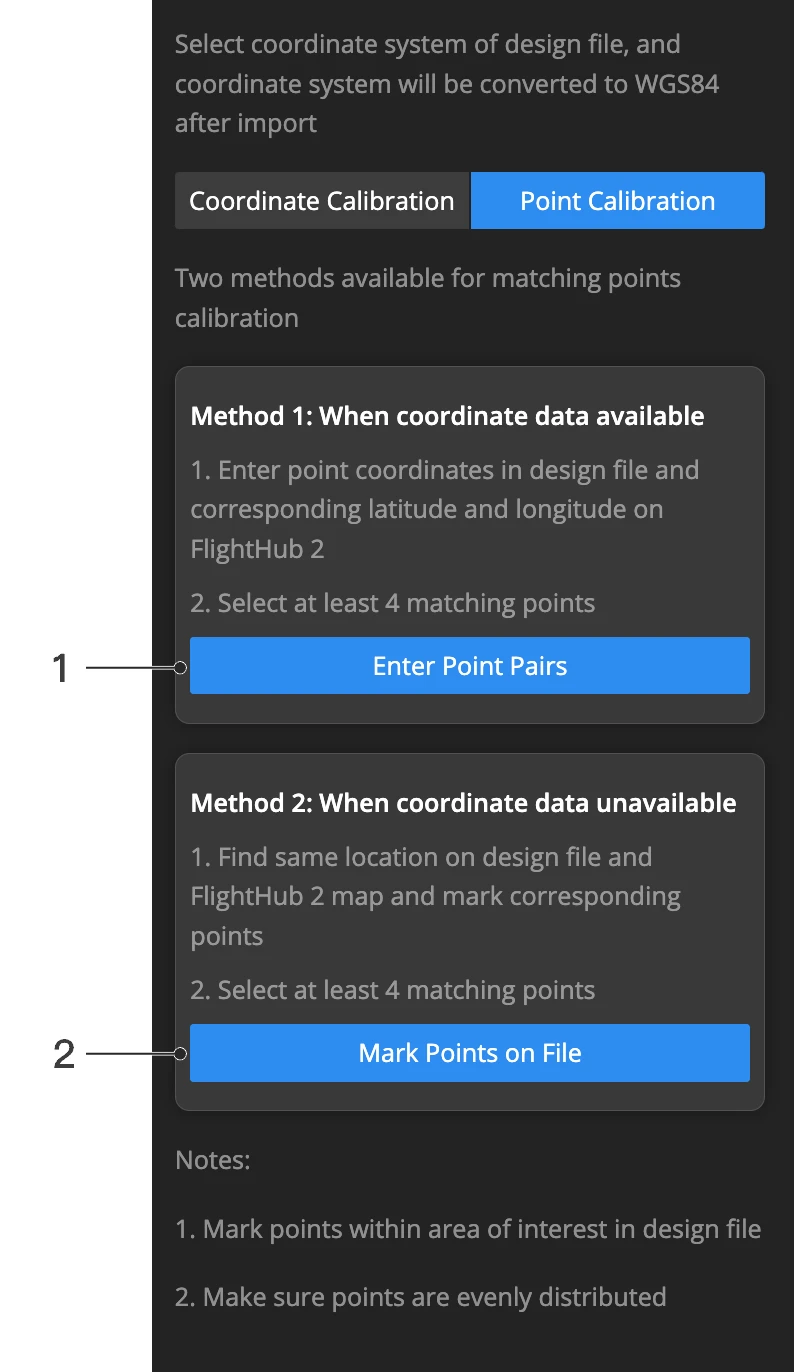
Method 2: If coordinate data is not available, you can refer to the PDF file calibration method to calibrate the DXF file.