Timeline
Model Timeline
A model timeline is located at the bottom of the map. Click the model timeline to arrange all models in chronological order based on their data collection times. Click the dot on the timeline to switch the model displayed on the map.
Media File Timeline
The media file timeline allows you to arrange media files in chronological order based on their data collection times.
- Wide-angle, zoom, and infrared photos: These are media files collected from the same waypoint route and using the same fixed-angle action.
- Panorama photos: These are media files collected from the same waypoint.
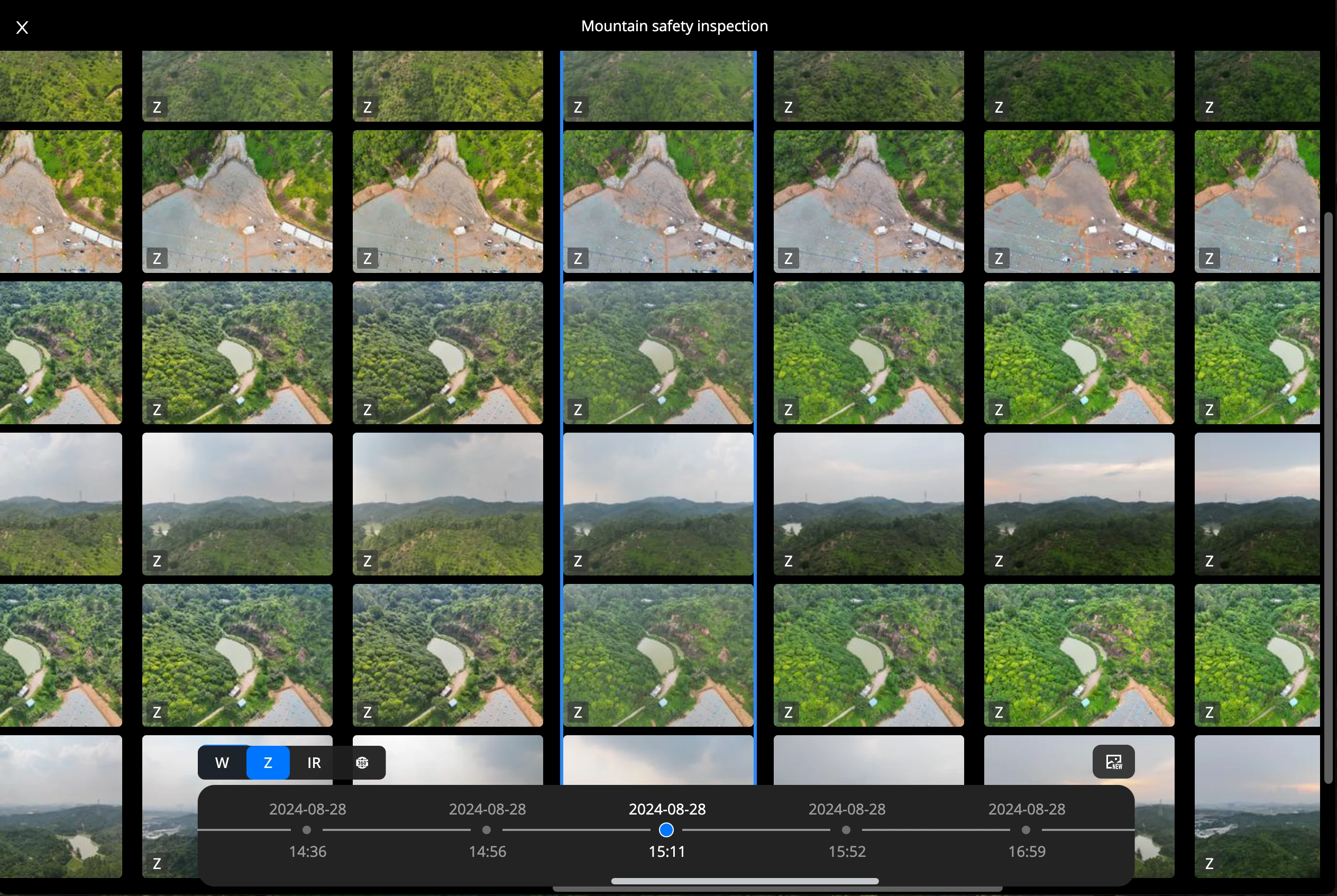
Palace grid style
Entry: Click the Timeline button in the media file folder.
Vertical Axis: Represents spatial order, arranging media files from the same waypoint route by waypoint sequence.
Horizontal Axis: Represents time, with media files collected from the same waypoint route and by the same fixed-angle action in chronological order.
Features:
- Filter media types by clicking W, Z, or IR. Multiple selections are supported.
- Click
 to quickly jump to the latest media file list.
 - Click a media file to enter single image style.
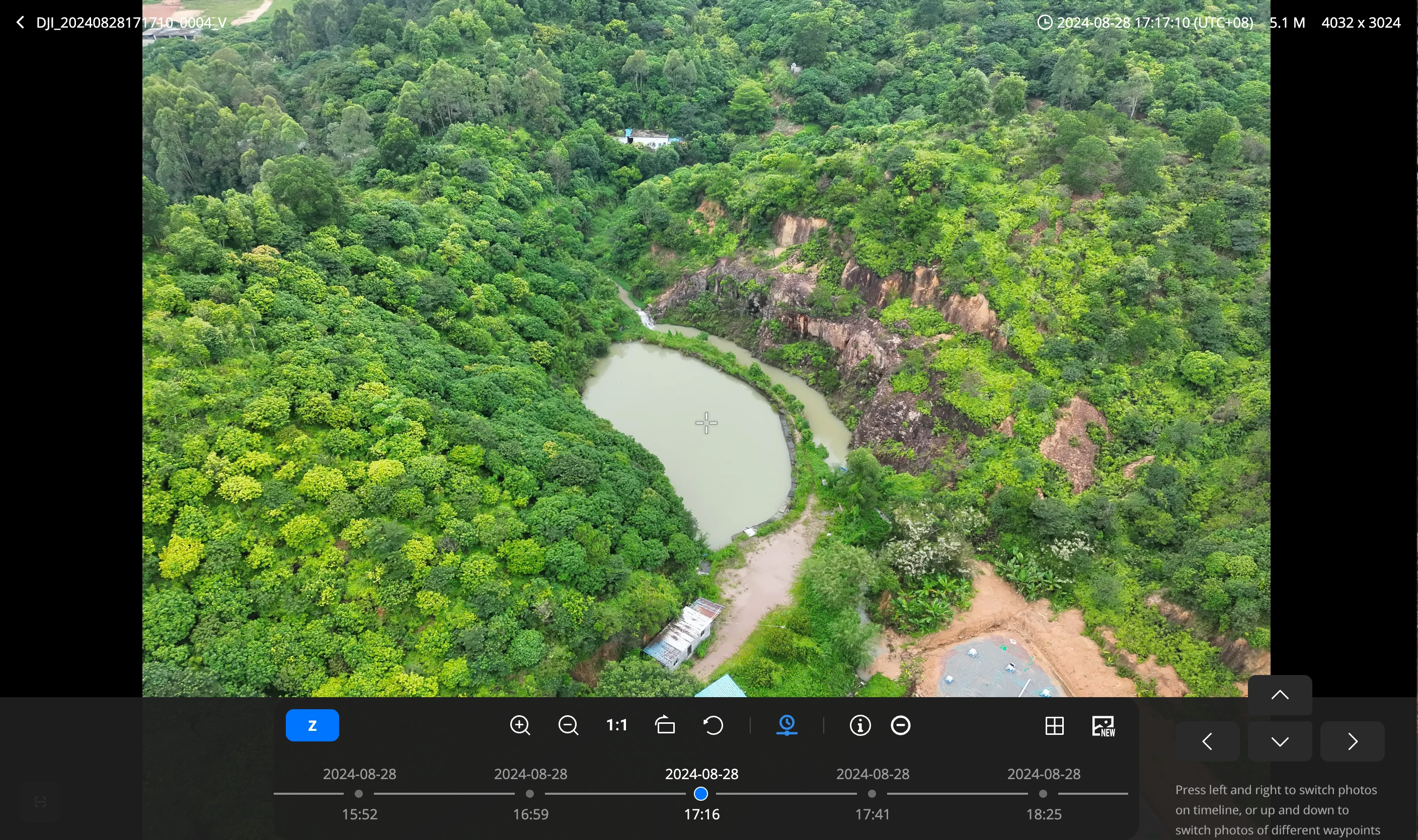
Single sheet style
Entry: Click the Timeline button in the media file folder.
Features:
- Click a dot on the timeline to display media files collected at the corresponding time, from the same waypoint route and by the same fixed-angle action.
- View and switch between different media file types.
- Click the grid icon to switch to grid style.
- Click the NEW icon to quickly jump to the latest media files collected from the same waypoint route and by the same fixed-angle action.