
Using FTS
FTS (Flight Termination System) is used to terminate flight in an emergency. The aircraft loses power after its motors stop. Perform this operation only after confirming that flight termination is required.
Viewing FTS Information
In DJI FlightHub 2, view the target aircraft's FTS information, including its online status and verification code, under “Device Management > Device Maintenance”, in the device window, or in the Virtual Cockpit. The verification code can be copied, and the page refreshes automatically when it is updated.
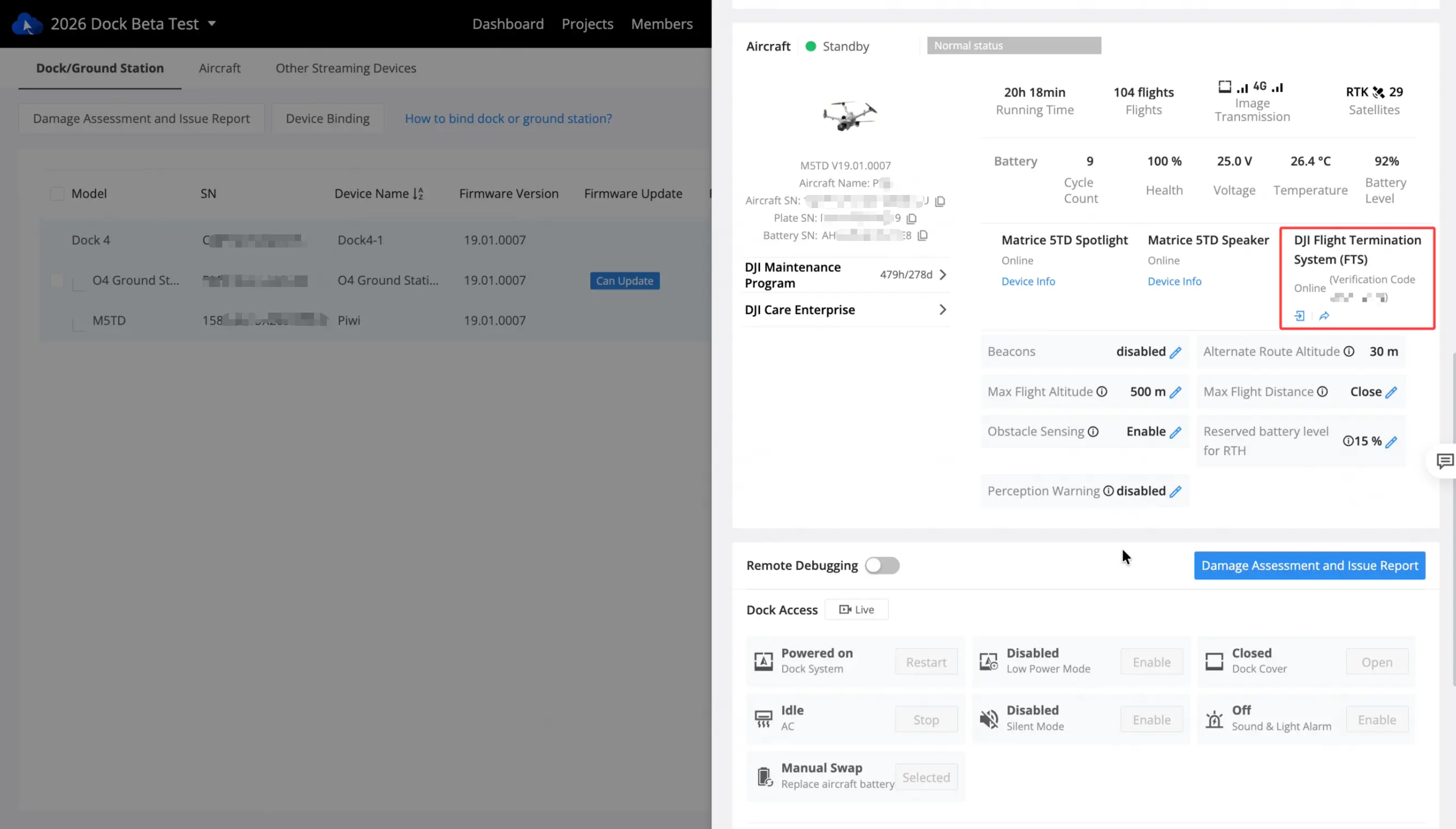
Check the target aircraft's SN and save its FTS verification code for device verification in the FTS console. The FTS verification code is different from the console login password.
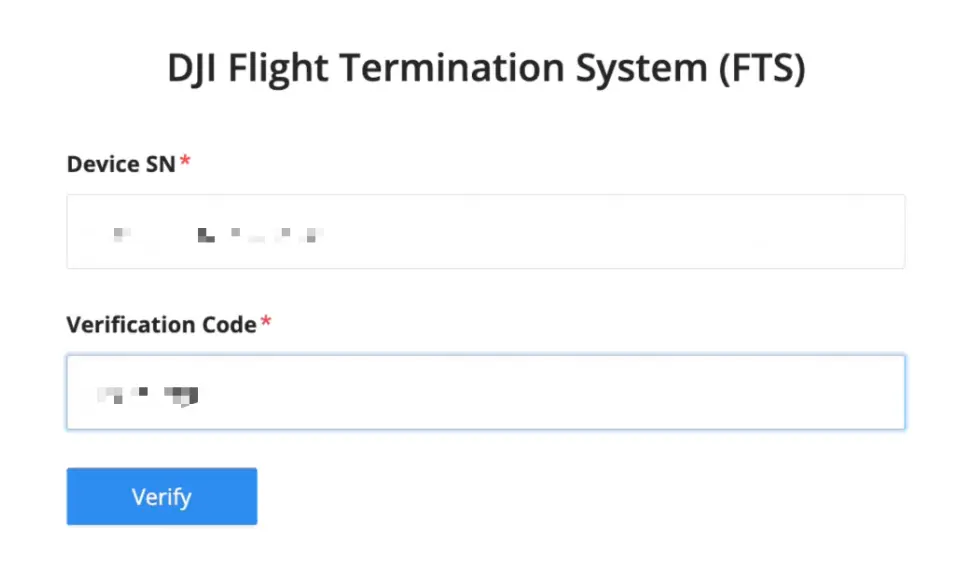
Verification and Flight Termination
- Open the FTS console in a browser and log in with the account and password generated during installation.
- Check the target aircraft's SN and initiate device verification using its FTS verification code.
- After verification succeeds, follow the console prompts to confirm flight termination.
- The FTS service sends the command to the aircraft through the independent motor stop link, and the console displays the execution result returned by the device.